Wearable & Lifelogging Cameras
The Best Wearable Cameras of 2026
Independent picks for the best wearable cameras in 2026 — magnetic clips, smart glasses, and chest-mount action cams, ranked by use case and cloud honesty.
“Wearable camera” is four different products pretending to be one category. There’s the all-day lifelogger you forget you’re wearing. There’s the smart-glasses kind that hides in plain sight on your face. There’s the bulky action cam clipped to a chest harness for an hour of mountain biking. And there’s the budget option that gets a kid through summer camp without anyone crying when it falls off a kayak.
So we’re not picking one winner. We’re picking five, one per job, and we’re going to be honest about which we’d actually buy with our own money in May 2026.
Best for lifelogging-style daily wear: Insta360 GO 3S
If you came here from a search for “Narrative Clip replacement,” this is the closest thing on the shelf. The GO 3S is a 39-gram pebble that clips magnetically through a shirt or jacket, shoots 4K/30, and pairs with an Action Pod dock that doubles as a viewfinder and a battery sled. It’s not a passive every-30-seconds photo machine — nothing on the market is, anymore — but it’s the only modern camera small enough to wear all day without thinking about it.
The catch: the core unit’s battery is short. Insta360 quotes about 40 minutes of recording on the pebble alone, which is fine for grabbing moments, less fine if you imagined leaving it on through a whole afternoon. Pair it with the dock and the runway extends. The editing flow assumes their app, which is good but proprietary.

Insta360 GO 3S
The closest modern relative to the Narrative Clip's everyday wearability — 4K, magnetic clip, and a separate dock for longer captures.
Best for: Hands-free lifelogging and POV creators who want the smallest possible 4K camera.
Review note: The strongest Narrative Clip-style recommendation because it combines a tiny magnetic body, usable 4K footage, and an offline file workflow when you want one.
Pros
- Pebble-sized, ~39 g — clips magnetically through clothing
- 4K/30 video and FlowState stabilization
- Action Pod dock works as a remote viewfinder and extends battery
- IPX8 splash and shallow-water rating on the core unit
Cons
- Battery on the core unit is short on its own — best paired with the dock
- Wide fixed lens; no optical zoom
- Editing flow assumes the Insta360 app
This is what we’d hand to someone asking “is there a small wearable camera I can just clip on and use?” Yes. This one.
Best for daily-wear-as-glasses: Ray-Ban Meta
The Ray-Ban Meta is the only camera in this guide you can actually wear into a coffee shop without strangers asking questions. They look like sunglasses. They are sunglasses. The 12 MP ultrawide sensor and 1080p video are good enough for “I want to remember this moment” without being good enough to replace a real camera. The capture LED on the front is required by the hardware and is, in our view, the single best thing about them — bystanders can tell when you’re recording.
That’s the upside. The downside is that the entire device is welded to Meta’s account system. You need Meta View. You need a Meta account. The AI assistant features pull from Meta’s servers. There is no realistic local-only workflow.
For a category whose appeal is “you forget you’re wearing a camera,” this is a meaningful trade-off. Meta has a long history of changing terms on products after launch. We like the hardware. We have reservations about the leash.
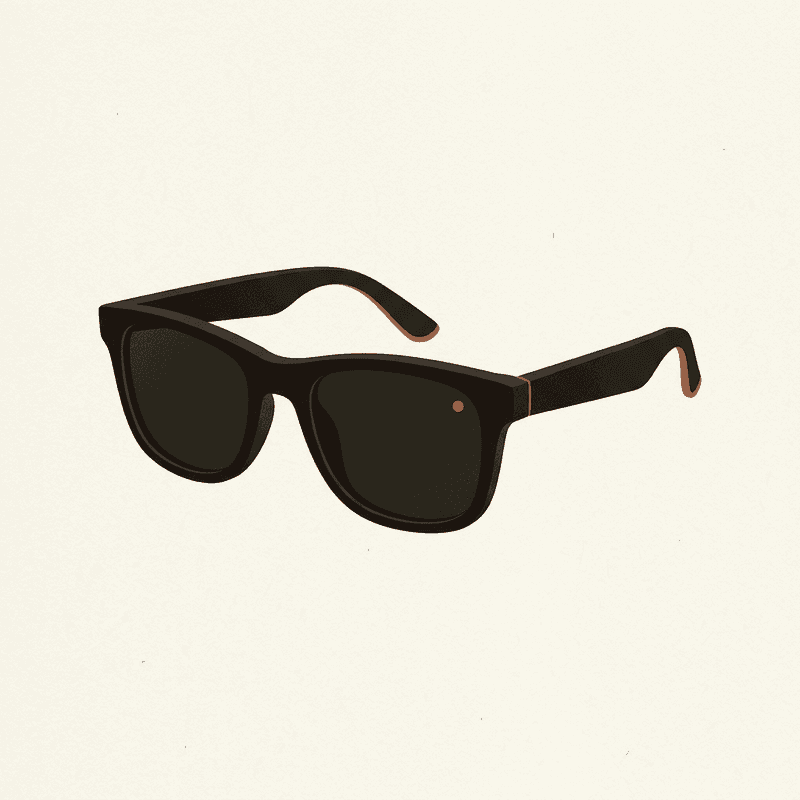
Ray-Ban Meta Smart Glasses
A socially acceptable hands-free camera you can wear daily — quality is good, but cloud and AI features lean on Meta accounts.
Best for: Daily wearers who want POV photos and short clips without holding a camera.
Review note: The best daily-wear option for quick POV photos and short clips, held back by Meta account dependence and limited local-first control.
Pros
- 12 MP ultrawide; up to 1080p video
- Capture LED signals recording to bystanders
- Works as Bluetooth headphones and AI assistant
- Looks like normal sunglasses
Cons
- Short clips only; not designed for hours of continuous capture
- Tied to Meta View app and account
- Limited control over local-only workflows
Best for action and dual-use: GoPro HERO 13 Black
The HERO 13 is the boring, correct answer for anyone who wants one camera to do vlogs, sports, and the occasional chest-strap day. 5.3K/60, 4K/120, waterproof to 10 m without a case, and the GP-Lens swap system on this generation lets you change optics without buying a new body. There is a reason this product line is the genre’s default — it’s earned it over a decade.
It is not a lifelogger. It weighs 158 grams, looks like a camera, and gets roughly 1.5 hours of real-world battery at high settings. Most people will not wear it all day, and most people shouldn’t try.
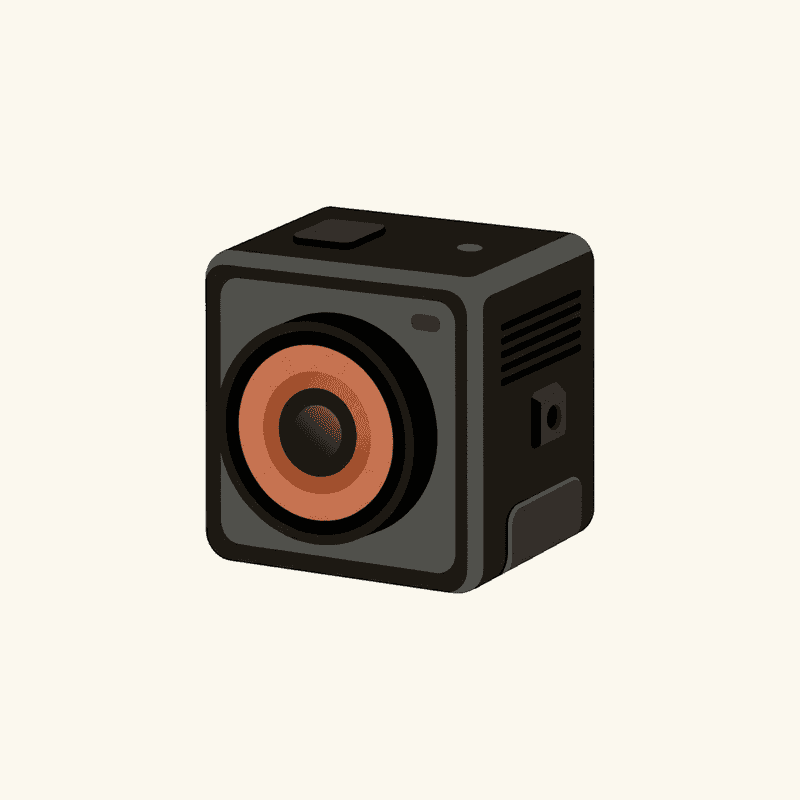
GoPro HERO 13 Black
The most capable wearable action camera — overkill for casual lifelogging, ideal if you want the same kit for vlogs and sports.
Best for: Creators who need a single durable camera for vlogs, sports, and occasional hands-free use.
Review note: The best rugged all-rounder for buyers who want one camera for sports, POV footage, and occasional lifelogging rather than an all-day wearable.
Pros
- 5.3K/60 and 4K/120 with HyperSmooth stabilization
- Waterproof to 10 m without a case
- Magnetic-latch mounts and a broad accessory ecosystem
- GP-Lens swap system on HERO 13 for ND/macro/wide options
Cons
- Bulkier than a true lifelogger — most people will not wear it all day
- Battery realistically 1–1.5 h at high settings
- Subscription unlocks the best cloud/editing flow
If you mostly want footage of yourself doing something — riding, skating, paddling, skiing — buy this and stop reading buying guides.
Best long-battery alternative: DJI Osmo Action 5 Pro
The reason to look past GoPro is battery. The Osmo Action 5 Pro is, by a noticeable margin, the longest-running action camera in this class — DJI quotes about 4 hours, real-world is closer to 3 at 4K/30, and that’s still double what the HERO 13 manages at the same settings. The 1/1.3” sensor pulls in better low-light footage than the GoPro too.
The catch is the ecosystem. GoPro’s mounts, harnesses, and third-party gear are everywhere. DJI’s are not, yet. If you already own GoPro accessories, the switching cost is real. If you don’t, the Osmo Action 5 Pro is the technically better camera at a lower price ($350 vs $400 at our last check).
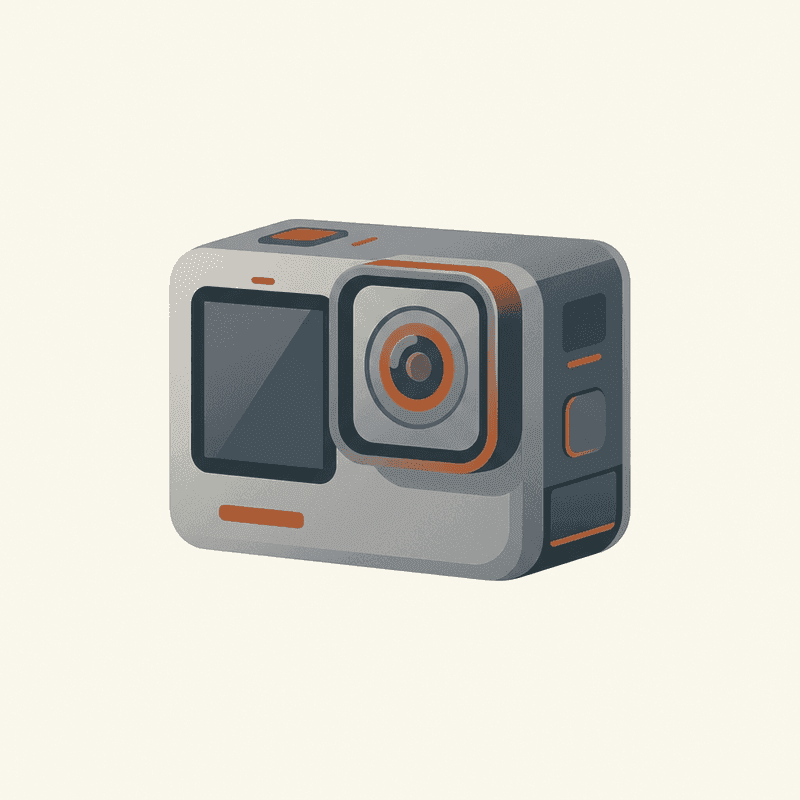
DJI Osmo Action 5 Pro
The longest-battery action camera in its class with strong low-light performance — a real GoPro alternative.
Best for: Creators who shoot long sessions and want better battery and low-light than GoPro.
Review note: The action-camera pick for longer recording sessions, especially when battery life and lower-light performance matter more than GoPro accessory breadth.
Pros
- 4K/120, 1/1.3" sensor with good dynamic range
- Real-world battery ~3+ hours at 4K/30
- Front and rear OLED touchscreens
- Magnetic quick-release mount
Cons
- Heavier and chunkier than the GO 3S
- Accessory ecosystem smaller than GoPro
- Cloud features tied to DJI Mimo app
Best on a budget: AKASO Brave 7
The Brave 7 gets you 4K/30, dual screens, IPX7 splash resistance, and a perfectly reasonable wearable for about $140. We’ve used cheap action cameras for years, and the AKASO line consistently punches above its price. It’s not as sharp as the GoPro. The stabilization is workable, not class-leading. The app is rough.
For a kid, a vacation, a one-off project, or an “I’m not sure I’ll actually use this” first purchase — buy the AKASO. It does the job. If you fall in love with the format, upgrade. If you don’t, you spent $140 instead of $400.
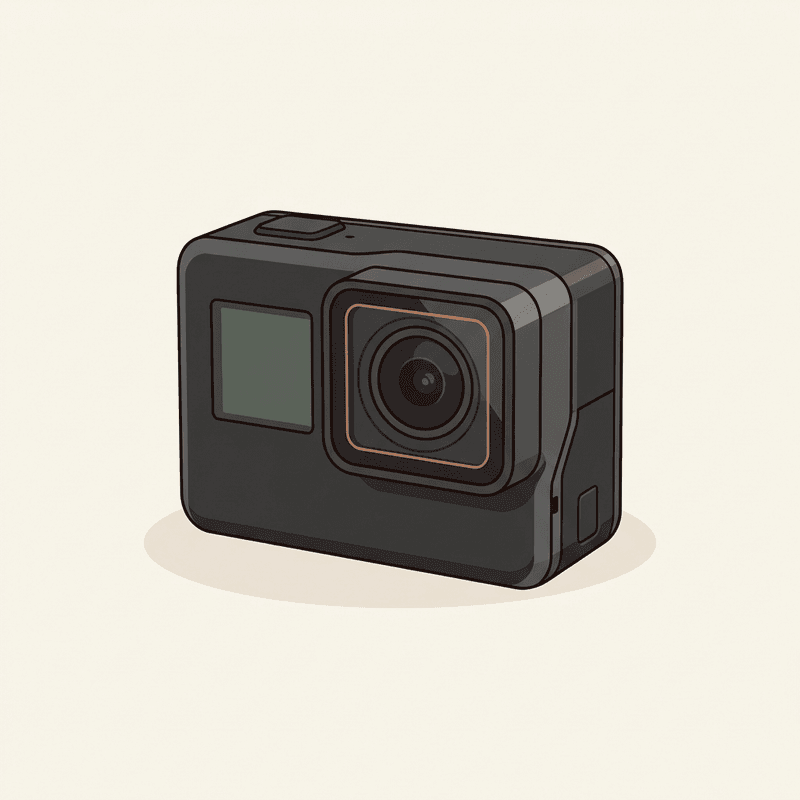
AKASO Brave 7
A budget action camera that gets most of the GoPro feature list at roughly a third of the price.
Best for: Budget-conscious buyers and first wearables for kids/family.
Review note: A budget-friendly starter action camera for families, with acceptable basics but weaker stabilization and app polish than the flagship options.
Pros
- 4K/30 capable
- IPX7 without case (small dives need housing)
- Dual-screen design
Cons
- Stabilization is workable, not class-leading
- App polish trails the big brands
The “honestly, just use your phone” answer
We do this for a living, and we still mostly capture daily life with the phone in our pocket. A 2026 iPhone or Pixel has a better sensor than any wearable on this list, computational photography that smooths the messy parts, and zero new accounts to manage. If your real question is “how do I remember more of my life,” start with the camera you already own and a habit of pulling it out. Hardware is rarely the bottleneck. Attention is.
A wearable earns its place when you genuinely can’t use your hands — skiing, cooking, holding a toddler — or when pulling out a phone breaks the moment you’re trying to capture.
The comparison
Compare wearable cameras
Swipe sideways to see all columns →
| Camera | Best for | Resolution | Battery | Mounting | Cloud | Approx. price | Buy |
|---|---|---|---|---|---|---|---|
| Insta360 GO 3S Insta360 | Hands-free lifelogging and POV creators who want the smallest possible 4K camera. | 4K/30 | 0.65 h | Magnetic clip | Optional | $400 | Check price ↗ |
| GoPro HERO 13 Black GoPro | Creators who need a single durable camera for vlogs, sports, and occasional hands-free use. | 5.3K/60 | 1.5 h | Multi-mount | Optional | $400 | Check price ↗ |
| DJI Osmo Action 5 Pro DJI | Creators who shoot long sessions and want better battery and low-light than GoPro. | 4K/120 | 3 h | Multi-mount | Optional | $350 | Check price ↗ |
| Ray-Ban Meta Smart Glasses Ray-Ban / Meta | Daily wearers who want POV photos and short clips without holding a camera. | 1080p/30 | 4 h | Glasses | Required | $300 | Check price ↗ |
| AKASO Brave 7 AKASO | Budget-conscious buyers and first wearables for kids/family. | 4K/30 | 1.5 h | Multi-mount | Optional | $140 | Check price ↗ |
| DJI Osmo Pocket 3 DJI | Travel vloggers who want stabilized, low-light-capable footage without a wearable. | 4K/120 | 1.6 h | Multi-mount | Optional | $520 | Check price ↗ |
Prices and specs are publisher estimates — verify at the retailer before buying.
What we’d buy if forced to pick one
The Insta360 GO 3S. It’s the only camera here that does something a phone can’t, in a form factor you’ll actually wear, without locking you to a single company’s cloud. It’s not perfect. The battery on the core unit is the obvious weakness, and the app is doing more work than we’d like. But of the five cameras on this list, it’s the one we still reach for a year after buying it.
Second place, with real hesitation, is the Ray-Ban Meta — because the social acceptability of glasses is genuinely a category advantage, and because the capture LED handles the consent problem better than any tiny clip camera ever has. The cloud dependency keeps it out of first.
Buying guide: 5 questions to ask yourself
1. How do you want to mount it? Magnetic clip (GO 3S) means you can put it through fabric. Glasses (Ray-Ban Meta) means you wear it on your face. Chest harness or helmet (GoPro, DJI, AKASO) means you’re committing to a session, not a day.
2. How much cloud are you willing to tolerate? None: AKASO. Optional but tempting: GoPro, DJI, Insta360. Required-ish: Ray-Ban Meta. There is no neutral on this. Pick deliberately.
3. Is the manufacturer’s battery claim what you’ll get? Cut quoted battery life by 30-40% for real-world use at the highest video settings. The GO 3S’s core unit is the most extreme example — quoted minutes drop fast with 4K and stabilization on.
4. All-day wear or occasional? All-day pushes you to glasses or a pebble. Occasional opens the field to anything. Most people overestimate how much they’ll wear a camera. Be honest with yourself.
5. Who’s around when you wear it? A visible camera (GoPro, Action 5, AKASO) is socially clearer. A near-invisible camera (GO 3S, glasses) is more polite to wear but ethically heavier. The capture LED on the Meta exists for a reason.
After capture: narrate and organize the footage
The camera is only the front of the workflow. Once you have a pile of clips, the next job is storage, transcripts, and the occasional narration track that makes a silent memory watchable.
For that audio layer, ElevenLabs for personal archives is a practical place to start. Use it after the footage is backed up, not instead of a backup. If a clip includes someone else’s identifiable voice, get consent before cloning, replacing, dubbing, or publishing it.
Try ElevenLabsNarrate memory clips after captureBuy the camera that matches your honest answer to question 4. Then live with question 5.
Frequently asked questions
What is the best wearable camera for lifelogging in 2026?
For pure lifelogging — clip it on, forget it's there, end up with hours of POV footage — the Insta360 GO 3S is the closest thing on the current market. It's the only 4K camera small enough to wear through clothing without looking ridiculous. The Ray-Ban Meta is more socially invisible but captures in clips, not continuously.
Are smart glasses really cameras?
Yes, and that's the point. The Ray-Ban Meta has a 12 MP ultrawide sensor, captures 1080p video, and has a required capture LED so bystanders know when it's recording. They are real cameras you wear on your face all day. They are also, currently, the most natural-feeling wearable camera on sale.
Does the Insta360 GO 3S replace the Narrative Clip?
Not really. It's the closest in form factor — pebble-sized, magnetically clipped, ~39 g — but the Narrative Clip's defining feature was passive 30-second photo capture organized by a cloud service. The GO 3S is a tiny 4K video camera. No 2026 camera does the original Clip's specific job.
Do wearable cameras need a cloud subscription?
It depends. The Insta360 GO 3S, GoPro HERO 13, DJI Osmo Action 5 Pro, and AKASO Brave 7 all work fine without cloud. The Ray-Ban Meta is the outlier — it's tied to the Meta View app and a Meta account, and a lot of its AI features assume you're online and signed in.
Is the GoPro HERO 13 too big for wearing?
For all-day wear, yes. It's 158 g, body-cam sized, and obvious to everyone around you. For action — bike, ski, helmet, chest harness, hours-not-days — it's fine. If you're picking between the HERO 13 and the GO 3S, you're really picking between sports gear and a lifelogger.
Are there any wearable cameras with no cloud at all?
The closest is the AKASO Brave 7 — its app exists but cloud features are barely used, and you can run it entirely from a microSD card. The GoPro and DJI offer cloud as a paid extra, not a requirement. Only the Ray-Ban Meta really pushes you toward an account-bound flow.