Wearable & Lifelogging Cameras
The Best Hands-Free Cameras of 2026
Cameras you can wear, mount, or clip without holding — ranked by what you'll actually use them for, not by their press-release megapixels.
“Hands-free” is one of those shopping terms that hides three different buyers inside it. One person wants a chest clip for chasing a toddler. Another wants a head mount for mountain biking. A third wants something on the apron while they cook, or perched on a tripod across the kitchen. They will all type the same phrase into a search box and get the same listicle, and most of those listicles are wrong for at least two of them.
So we sorted ours by what you’re actually doing.
Best for parenting: Insta360 GO 3S
If you have small children, you have already had the moment where you wanted to film something and your hands were full of child. The GO 3S is the camera built for that moment. The core unit is a pebble of about 39 grams that clips magnetically through a t-shirt. The Action Pod dock works as a viewfinder when you want one and as a charger when you don’t.
It shoots 4K at 30 fps. It survives splashes and shallow water. The battery on the bare unit is short (about 40 minutes of real-world use), but that’s the right trade for the size, and the dock buys you back hours.

Insta360 GO 3S
The closest modern relative to the Narrative Clip's everyday wearability — 4K, magnetic clip, and a separate dock for longer captures.
Best for: Hands-free lifelogging and POV creators who want the smallest possible 4K camera.
Review note: The strongest Narrative Clip-style recommendation because it combines a tiny magnetic body, usable 4K footage, and an offline file workflow when you want one.
Pros
- Pebble-sized, ~39 g — clips magnetically through clothing
- 4K/30 video and FlowState stabilization
- Action Pod dock works as a remote viewfinder and extends battery
- IPX8 splash and shallow-water rating on the core unit
Cons
- Battery on the core unit is short on its own — best paired with the dock
- Wide fixed lens; no optical zoom
- Editing flow assumes the Insta360 app
The honest caveat: it’s small enough to be invisible, which is great for catching real moments and a problem in public settings where bystanders deserve to know they’re on camera. Be deliberate about that.
Best for sports and activity: GoPro HERO 13 Black
For anything where you’d want a helmet mount, a chest harness, or a handlebar clamp, the answer is still GoPro. The HERO 13 Black shoots 5.3K at 60 fps and 4K at 120, and HyperSmooth is doing real work at this point. Waterproof to 10 meters without a case. The accessory ecosystem, which is the actual reason to pick a GoPro, is enormous.
At about 158 grams it is not a discreet camera, and it shouldn’t be. A visible camera is a polite one. The recording LEDs help.
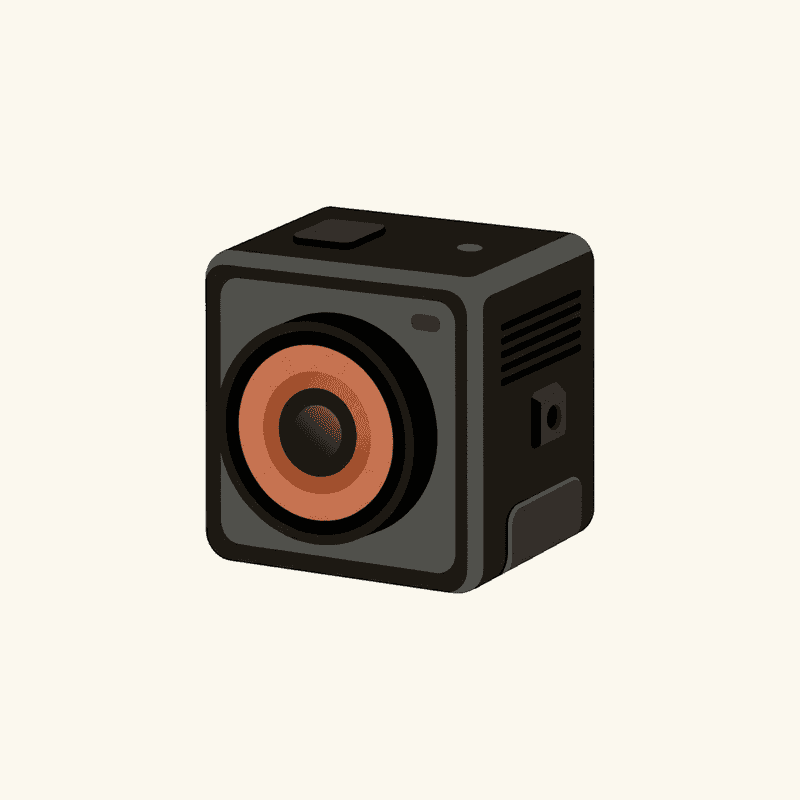
GoPro HERO 13 Black
The most capable wearable action camera — overkill for casual lifelogging, ideal if you want the same kit for vlogs and sports.
Best for: Creators who need a single durable camera for vlogs, sports, and occasional hands-free use.
Review note: The best rugged all-rounder for buyers who want one camera for sports, POV footage, and occasional lifelogging rather than an all-day wearable.
Pros
- 5.3K/60 and 4K/120 with HyperSmooth stabilization
- Waterproof to 10 m without a case
- Magnetic-latch mounts and a broad accessory ecosystem
- GP-Lens swap system on HERO 13 for ND/macro/wide options
Cons
- Bulkier than a true lifelogger — most people will not wear it all day
- Battery realistically 1–1.5 h at high settings
- Subscription unlocks the best cloud/editing flow
Battery is the chronic weakness. Plan on roughly 60 to 90 minutes at the higher settings, carry a spare, and you’ll be fine.
Best for cooking and instructional video: DJI Osmo Action 5 Pro
This is where “hands-free” gets reinterpreted. You’re not wearing the camera; you’re clamping it to a shelf, a tripod, or a magic arm above the cutting board. The Osmo Action 5 Pro is the pick because its battery lasts. About three hours at 4K/30 is enough to film a whole bread bake without intermission, and the 1/1.3-inch sensor handles kitchen lighting better than the GoPro does. The front-facing OLED matters when you’re talking to camera and need to see yourself framed.
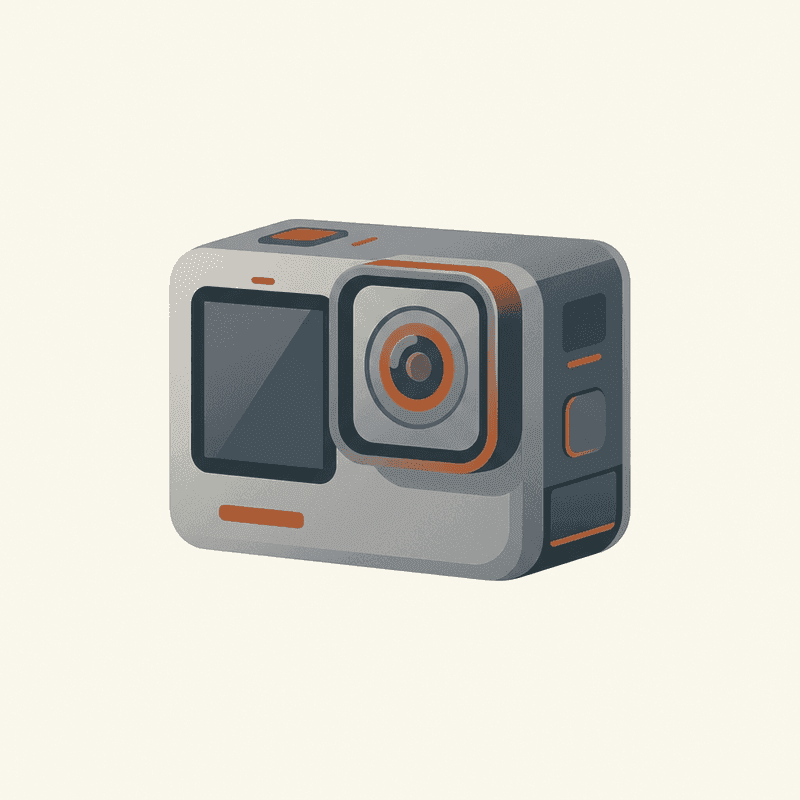
DJI Osmo Action 5 Pro
The longest-battery action camera in its class with strong low-light performance — a real GoPro alternative.
Best for: Creators who shoot long sessions and want better battery and low-light than GoPro.
Review note: The action-camera pick for longer recording sessions, especially when battery life and lower-light performance matter more than GoPro accessory breadth.
Pros
- 4K/120, 1/1.3" sensor with good dynamic range
- Real-world battery ~3+ hours at 4K/30
- Front and rear OLED touchscreens
- Magnetic quick-release mount
Cons
- Heavier and chunkier than the GO 3S
- Accessory ecosystem smaller than GoPro
- Cloud features tied to DJI Mimo app
If you’d rather hold it (or perch it on a small tripod and walk around), the Osmo Pocket 3 is a different and excellent answer. Not technically hands-free, but a 1-inch sensor and a real gimbal make it the best handheld pick for instructional video.
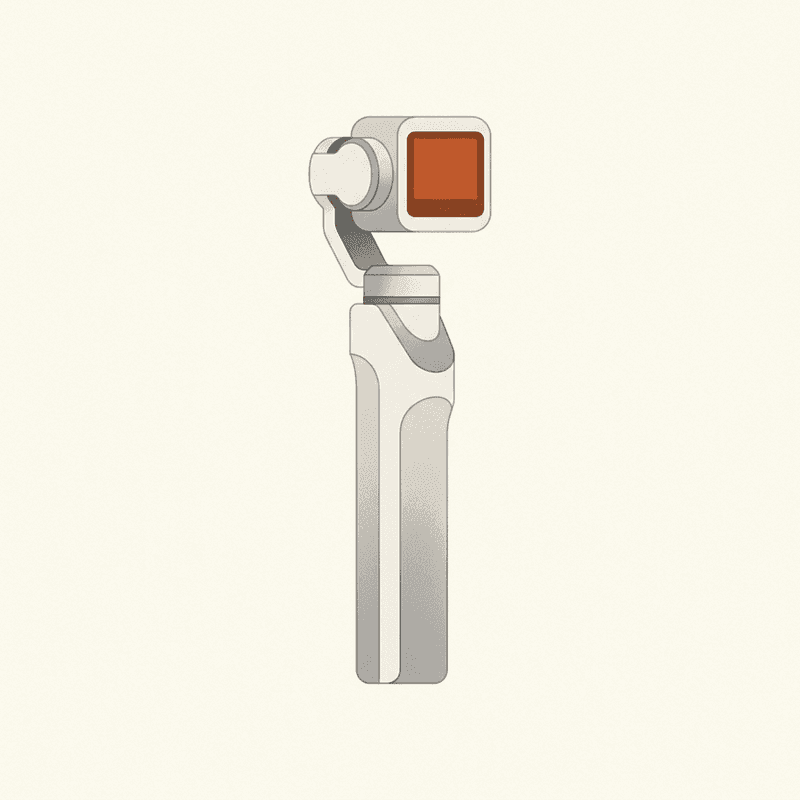
DJI Osmo Pocket 3
Not a true wearable — a pocket gimbal — but the best handheld pick for travel-vlog footage.
Best for: Travel vloggers who want stabilized, low-light-capable footage without a wearable.
Review note: A strong travel-vlog camera with excellent stabilized footage, but it is a handheld pocket gimbal rather than a true lifelogging wearable.
Pros
- 1" sensor, 4K/120
- 3-axis mechanical gimbal
- Excellent in low light
Cons
- Not hands-free
- Larger than a lifelogger
- No real waterproof rating
Best for daily wear: Ray-Ban Meta
Smart glasses are the only hands-free camera most people will tolerate wearing in public, because they look like glasses. The Ray-Ban Meta shoots 12 MP stills and 1080p clips, the capture LED tells the room you’re recording, and you can pair them as Bluetooth headphones too. For a walk through a city, a museum, a kid’s soccer game, these are pleasant.
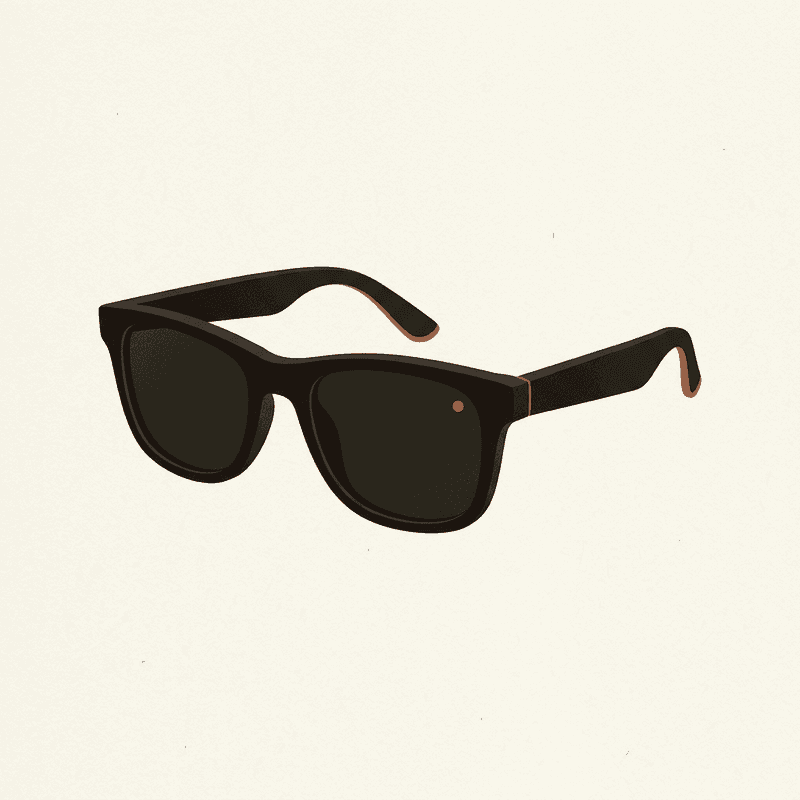
Ray-Ban Meta Smart Glasses
A socially acceptable hands-free camera you can wear daily — quality is good, but cloud and AI features lean on Meta accounts.
Best for: Daily wearers who want POV photos and short clips without holding a camera.
Review note: The best daily-wear option for quick POV photos and short clips, held back by Meta account dependence and limited local-first control.
Pros
- 12 MP ultrawide; up to 1080p video
- Capture LED signals recording to bystanders
- Works as Bluetooth headphones and AI assistant
- Looks like normal sunglasses
Cons
- Short clips only; not designed for hours of continuous capture
- Tied to Meta View app and account
- Limited control over local-only workflows
The catch is the account. The Meta View app is required, and your footage and AI features live inside that ecosystem. If staying offline matters to you, the GO 3S is a better fit. If you want a daily-wearable that doesn’t draw attention, these are the best option in 2026, full stop.
The mount question
Mounts are half the experience and most reviews ignore them.
A magnetic clip (GO 3S, some GoPro setups) is the lowest-friction option. You put the camera on in the kitchen, take it off at the door. The downside is that magnets fail, and a 39-gram camera on a t-shirt is a 39-gram camera on someone’s floor by the end of the day. Use the safety tether.
A chest harness spreads weight across your shoulders and stays where you put it. It is also the most “GoPro on a tourist” mount in the world. Wear it for biking, not for brunch.
A head strap gives you POV that actually matches your eyeline. It also turns a 60-second video into a study in nausea. Use it for a specific shot, not for a day out.
Glasses are the only mount that doesn’t read as a camera at first glance. That is exactly why they raise the consent stakes (and exactly why the capture LED is non-negotiable).
Cloud honesty
Three of the picks here work offline indefinitely. The GO 3S, HERO 13, and Osmo Action 5 Pro all let you transfer footage by cable or Wi-Fi straight to your computer and never touch a cloud account. Their cloud features are optional, not gating.
Ray-Ban Meta is the exception. The Meta View app is required to get media off the glasses with anything resembling convenience. That’s not a fatal flaw, but it is a fact, and the lesson from the original Narrative Clip shutdown in 2016 is that “required cloud account” is a question worth asking before you spend the money. Cloud services close. Your photos shouldn’t close with them.
Comparison
Compare wearable cameras
Swipe sideways to see all columns →
| Camera | Best for | Resolution | Battery | Mounting | Cloud | Approx. price | Buy |
|---|---|---|---|---|---|---|---|
| Insta360 GO 3S Insta360 | Hands-free lifelogging and POV creators who want the smallest possible 4K camera. | 4K/30 | 0.65 h | Magnetic clip | Optional | $400 | Check price ↗ |
| GoPro HERO 13 Black GoPro | Creators who need a single durable camera for vlogs, sports, and occasional hands-free use. | 5.3K/60 | 1.5 h | Multi-mount | Optional | $400 | Check price ↗ |
| DJI Osmo Action 5 Pro DJI | Creators who shoot long sessions and want better battery and low-light than GoPro. | 4K/120 | 3 h | Multi-mount | Optional | $350 | Check price ↗ |
| Ray-Ban Meta Smart Glasses Ray-Ban / Meta | Daily wearers who want POV photos and short clips without holding a camera. | 1080p/30 | 4 h | Glasses | Required | $300 | Check price ↗ |
| AKASO Brave 7 AKASO | Budget-conscious buyers and first wearables for kids/family. | 4K/30 | 1.5 h | Multi-mount | Optional | $140 | Check price ↗ |
| DJI Osmo Pocket 3 DJI | Travel vloggers who want stabilized, low-light-capable footage without a wearable. | 4K/120 | 1.6 h | Multi-mount | Optional | $520 | Check price ↗ |
Prices and specs are publisher estimates — verify at the retailer before buying.
Three things we’d actually do, in order. Get the GO 3S if you have kids or you like the idea of clipping a camera on without ceremony. Get the HERO 13 if your hobby involves a helmet. Get the Ray-Ban Meta if you’ll wear it five days a week and the Meta account doesn’t bother you. Verify pricing at the retailer; the figures here are approximate and they move.
Frequently asked questions
What's the best hands-free camera for parents?
For most parents, the Insta360 GO 3S. It's small enough to clip to a shirt or apron, it shoots 4K, and the Action Pod gives you a viewfinder when you actually want one. A GoPro on a chest harness works too, but it's overkill for a birthday party.
Are smart glasses good hands-free cameras?
Ray-Ban Meta is the only mainstream pair worth recommending in 2026, and it's good at short clips and POV photos. It's not built for hours of continuous capture, and it leans on a Meta account. Treat it as a daily-wear accessory, not a lifelogger.
Can I mount a GoPro to my shirt?
Yes — a magnetic chest clip or a body-harness mount will hold a HERO 13 Black on a shirt, but the camera weighs about 158 g and you will feel it. For long sessions, prefer a proper chest harness over a clip-on. For an hour at the playground, the clip is fine.
Do hands-free cameras need a cloud account?
Most don't. The GO 3S, HERO 13, Osmo Action 5 Pro, and Osmo Pocket 3 all work offline; cloud features are optional. Ray-Ban Meta is the exception — its companion app is tied to a Meta account, and that's part of the deal.
What about just using a phone in a chest clip?
It works, it's cheap, and the footage is fine. The trade-off is battery (phones run hot), notifications (which interrupt recording), and the social weirdness of pointing a phone lens at people. A dedicated wearable is more discreet and more reliable.