Narrative Clip Archive
The Best Narrative Clip Alternatives in 2026
The Narrative Clip is gone for good. Here are the wearable cameras, smart glasses, and apps that get closest to all-day hands-free capture in 2026.
We get this question every week, and the honest answer starts with no. There is no current product that replaces the Narrative Clip on a one-for-one basis. Nothing in 2026 does what a 36 mm Swedish square did in 2014: take a photo every 30 seconds, all day, for two days on a charge, and hand the album-making off to a cloud that quietly stitched your week together while you slept.
That cloud went dark in 2016. The hardware became a paperweight. The job got split in two — wearable cameras on one side, AI photo apps on the other — and nobody has welded them back together yet.
So this guide is honest about that. Below are the products we actually recommend, what each one is good at, and where each one falls short of the Clip’s original promise.
What made the Clip special (and why nobody copies it)
The Narrative Clip’s whole pitch was disinterest. You clipped it on, you forgot it, and at the end of the day you docked it. The companion app and the cloud did the curation. No buttons to press, no clips to trim, no setting to choose. Two photos a minute, all day, and the software figured out which ones mattered.
It was a 5 megapixel sensor in a 20-gram square that cost $279 at launch. The specs were ordinary. The behavior was not.
Modern cameras don’t behave like that because the market moved. Hardware got bigger and better at video. Cloud-side photo curation got absorbed into Google Photos and Apple’s on-device intelligence. The 30-second still-photo lifelogger, as a product category, died with the cloud that ran it.
The alternatives below are all good products. None of them is the Clip. Pick by which compromise you can live with.
The pebble-shaped alternative: Insta360 GO 3S
If you held a Narrative Clip in 2015 and want the closest physical successor, this is it.

Insta360 GO 3S
The closest modern relative to the Narrative Clip's everyday wearability — 4K, magnetic clip, and a separate dock for longer captures.
Best for: Hands-free lifelogging and POV creators who want the smallest possible 4K camera.
Review note: The strongest Narrative Clip-style recommendation because it combines a tiny magnetic body, usable 4K footage, and an offline file workflow when you want one.
Pros
- Pebble-sized, ~39 g — clips magnetically through clothing
- 4K/30 video and FlowState stabilization
- Action Pod dock works as a remote viewfinder and extends battery
- IPX8 splash and shallow-water rating on the core unit
Cons
- Battery on the core unit is short on its own — best paired with the dock
- Wide fixed lens; no optical zoom
- Editing flow assumes the Insta360 app
The GO 3S is 39 grams — about twice the Clip’s weight, still nothing on your shirt. It clips magnetically through fabric. The lens is fixed, ultrawide, and it shoots 4K/30 video as its headline feature, which is the part the Clip never tried to do.
The trade-off is battery. Insta360 lists the core pebble at well under an hour on its own. The Action Pod dock extends that significantly and doubles as a viewfinder, but now you’re carrying two things, not one. Plan for a swap routine, or accept that this is a one-event-at-a-time camera, not a wear-it-from-breakfast-to-bedtime camera.
For 30-second-interval still photos specifically: the GO 3S is not the friction-free experience the Clip was. The camera is video-first, and any timed-stills workflow runs through the Insta360 app, with what’s available depending on the firmware and app version you’re on. It is not “clip it on, trust it, see your day at dinner.” Treat that as a real limitation, not a footnote.
Photos and clips stay on the device until you move them. Cloud is optional. That’s the right posture for anyone who watched Narrative’s cloud disappear and decided not to be a customer like that again.
The wear-it-anywhere alternative: Ray-Ban Meta smart glasses
If the appeal of the Clip was “people stop noticing you have a camera on,” the closest 2026 product is glasses you would have worn anyway.
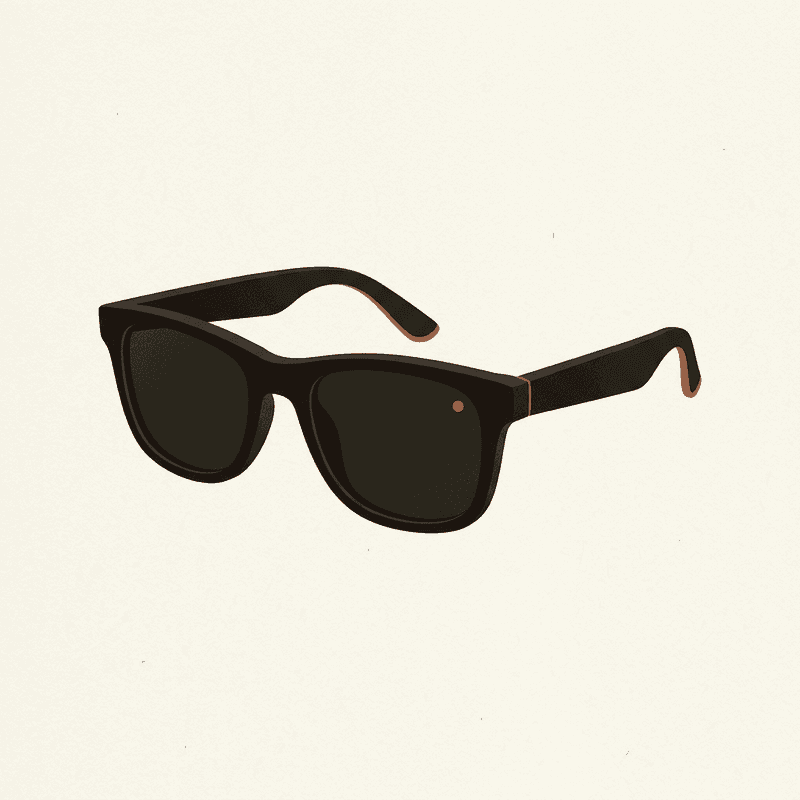
Ray-Ban Meta Smart Glasses
A socially acceptable hands-free camera you can wear daily — quality is good, but cloud and AI features lean on Meta accounts.
Best for: Daily wearers who want POV photos and short clips without holding a camera.
Review note: The best daily-wear option for quick POV photos and short clips, held back by Meta account dependence and limited local-first control.
Pros
- 12 MP ultrawide; up to 1080p video
- Capture LED signals recording to bystanders
- Works as Bluetooth headphones and AI assistant
- Looks like normal sunglasses
Cons
- Short clips only; not designed for hours of continuous capture
- Tied to Meta View app and account
- Limited control over local-only workflows
The Ray-Ban Meta line is the only mainstream camera-glasses product we’d put in front of a normal buyer. The 12 MP ultrawide takes good stills. Video tops out at 1080p in short clips. They look like Wayfarers because they are Wayfarers. Battery lasts a few hours of mixed use, longer if you’re mostly using them as headphones.
Be honest with yourself about what you’re buying. The capture LED is required and visible (this is a good thing, even if it kills the discreet-lifelogger fantasy). The Meta View app is required. A Meta account is required. The AI features that make the glasses interesting lean hard on cloud inference. You are not in charge of your photo workflow the way you would be with an SD card and a folder.
We like the glasses. We don’t love the lock-in. If the day Meta decides to sunset Meta View ever arrives — and we lived through that exact movie with Narrative — your hardware is fine and your workflow is gone.
The serious creator path: GoPro HERO 13 Black
The HERO 13 keeps showing up in “Narrative Clip alternative” lists, and we want to be careful here. It’s a wonderful camera. It is not really a lifelogger.
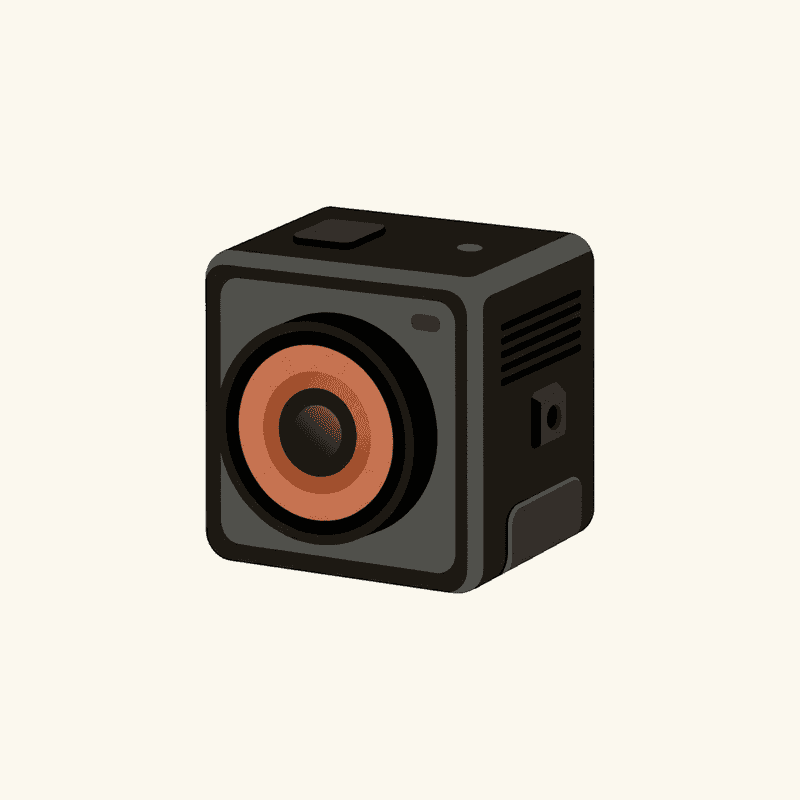
GoPro HERO 13 Black
The most capable wearable action camera — overkill for casual lifelogging, ideal if you want the same kit for vlogs and sports.
Best for: Creators who need a single durable camera for vlogs, sports, and occasional hands-free use.
Review note: The best rugged all-rounder for buyers who want one camera for sports, POV footage, and occasional lifelogging rather than an all-day wearable.
Pros
- 5.3K/60 and 4K/120 with HyperSmooth stabilization
- Waterproof to 10 m without a case
- Magnetic-latch mounts and a broad accessory ecosystem
- GP-Lens swap system on HERO 13 for ND/macro/wide options
Cons
- Bulkier than a true lifelogger — most people will not wear it all day
- Battery realistically 1–1.5 h at high settings
- Subscription unlocks the best cloud/editing flow
At 158 grams, the HERO 13 is roughly eight times the weight of the original Clip. You can chest-mount it. You will know it’s there. Battery is realistically 1–1.5 hours at high settings. It shoots 5.3K/60 and 4K/120 and has a mount ecosystem that’s been growing since 2004.
Buy this if you want one camera that handles vlogs, family video, occasional POV, and the rare hands-free session. Do not buy it expecting to forget you’re wearing it.
A reasonable alternative in the same class, with better battery and a larger sensor, is the DJI Osmo Action 5 Pro.
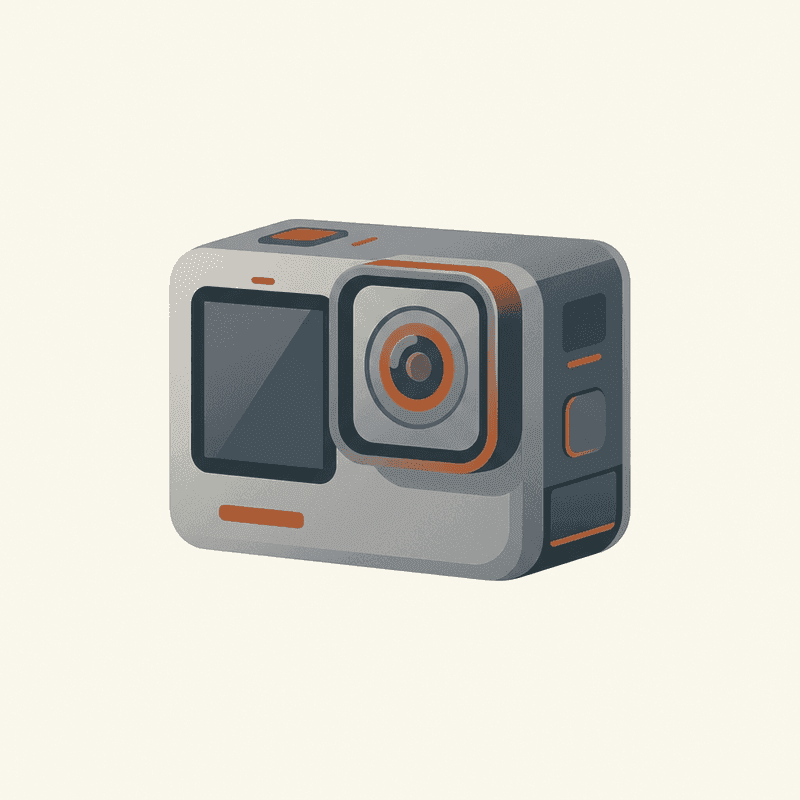
DJI Osmo Action 5 Pro
The longest-battery action camera in its class with strong low-light performance — a real GoPro alternative.
Best for: Creators who shoot long sessions and want better battery and low-light than GoPro.
Review note: The action-camera pick for longer recording sessions, especially when battery life and lower-light performance matter more than GoPro accessory breadth.
Pros
- 4K/120, 1/1.3" sensor with good dynamic range
- Real-world battery ~3+ hours at 4K/30
- Front and rear OLED touchscreens
- Magnetic quick-release mount
Cons
- Heavier and chunkier than the GO 3S
- Accessory ecosystem smaller than GoPro
- Cloud features tied to DJI Mimo app
Same caveats — bigger than you remember the Clip being, designed for sessions, not days.
The software-only path: your phone
The Clip’s job was half hardware, half software. The software half is already in your pocket.
A handful of iOS and Android apps will fire your phone’s camera on a fixed interval and dump the results into an album. Setup takes ninety seconds. Cost is zero. The catch is the obvious one: your phone’s battery will give up inside two hours of continuous shutter triggering, the camera bump is not subtle, and you have to carry the phone in a position where the lens can see something.
We’re not going to name a specific app, because apps in this niche come and go faster than we can update an article. Search your platform’s store for “interval camera” or “auto camera,” look for something that’s been updated within the last six months, and treat anything older as abandonware. The Narrative shutdown was a useful lesson in that direction too.
This is an aspirational path, not a directional one. It will not feel like wearing a Clip. But for a single afternoon — a museum visit, a long walk through a city you’ll forget the details of, a kid’s birthday party where you want hands free — your phone plus a free app gets you 70% of the original experience for $0.
What we’d actually buy
If a friend asked us today, here’s what we’d say.
For most people, the Insta360 GO 3S. It’s the only modern product that gets the form factor right, and Insta360 has been a steady operator long enough that we trust the company to still exist in five years. Budget around $400. Plan to dock it often.
For someone who wants daily wear and doesn’t mind the Meta tax, the Ray-Ban Meta glasses. They are the most socially acceptable camera you can wear in 2026, and the LED solves the consent problem the Narrative Clip never solved. Just don’t pretend you own the workflow.
For occasional capture only, your phone and a $0 app. Buy nothing.
For action footage that occasionally doubles as POV, the GoPro HERO 13 Black or the DJI Osmo Action 5 Pro. Either is fine. Pick on battery life (DJI wins) or accessory ecosystem (GoPro wins).
Compare wearable cameras
Swipe sideways to see all columns →
| Camera | Best for | Resolution | Battery | Mounting | Cloud | Approx. price | Buy |
|---|---|---|---|---|---|---|---|
| Insta360 GO 3S Insta360 | Hands-free lifelogging and POV creators who want the smallest possible 4K camera. | 4K/30 | 0.65 h | Magnetic clip | Optional | $400 | Check price ↗ |
| GoPro HERO 13 Black GoPro | Creators who need a single durable camera for vlogs, sports, and occasional hands-free use. | 5.3K/60 | 1.5 h | Multi-mount | Optional | $400 | Check price ↗ |
| DJI Osmo Action 5 Pro DJI | Creators who shoot long sessions and want better battery and low-light than GoPro. | 4K/120 | 3 h | Multi-mount | Optional | $350 | Check price ↗ |
| Ray-Ban Meta Smart Glasses Ray-Ban / Meta | Daily wearers who want POV photos and short clips without holding a camera. | 1080p/30 | 4 h | Glasses | Required | $300 | Check price ↗ |
| AKASO Brave 7 AKASO | Budget-conscious buyers and first wearables for kids/family. | 4K/30 | 1.5 h | Multi-mount | Optional | $140 | Check price ↗ |
| DJI Osmo Pocket 3 DJI | Travel vloggers who want stabilized, low-light-capable footage without a wearable. | 4K/120 | 1.6 h | Multi-mount | Optional | $520 | Check price ↗ |
Prices and specs are publisher estimates — verify at the retailer before buying.
Why we won’t recommend buying a used Narrative Clip
People ask. eBay has them. They’re cheap.
Don’t.
The hardware can still take photos onto its internal storage. You can, with effort, get those photos off via USB. What you cannot do is restore the cloud, the album generation, the search, the timeline, or the app — all of that is gone, and has been since 2016. A working Clip in 2026 is a 5 megapixel camera with no preview screen, no Wi-Fi (Clip 1), and no real way to do anything with the images except move them by hand into a folder.
Buying one off eBay is buying a souvenir. That’s fine if you want a souvenir. It is not a usable lifelogging camera, and anyone listing it as “fully functional” is either lying or doesn’t know what the word means.
The era the Clip belonged to is over. The pieces of its job are scattered across the products above. Pick the one closest to what you actually wanted, and don’t romanticize the rest.
Frequently asked questions
Is there a direct Narrative Clip replacement in 2026?
No. Nothing on the market today does what the Clip did: a 5 MP photo every 30 seconds, all day, two days on a charge, organized by a cloud that built your album for you. The closest hardware match is the Insta360 GO 3S. The closest software match is your phone with a timer app. We recommend pairing the two.
Which wearable camera looks most like the original Narrative Clip?
The Insta360 GO 3S. It's a 39-gram pebble with a magnetic clip and the same disappear-into-your-shirt energy. The big difference is that it shoots 4K video as its main job — the 30-second still cadence the Clip pioneered is now something you simulate, not something the device assumes.
Is the Insta360 GO 3S good for lifelogging specifically?
Yes, with caveats. Form factor and weight are right. The core unit's battery is short on its own — Insta360 lists it under an hour, so you'll want the Action Pod dock or a swap routine. Photos and clips stay on the device until you decide to move them, which is the privacy posture we prefer.
Do I need a cloud subscription for any of these?
Only the Ray-Ban Meta glasses really push you toward an account-tied workflow — Meta View and a Meta account are part of the deal. The Insta360 GO 3S, GoPro HERO 13 Black, and DJI Osmo Action 5 Pro all treat cloud as optional. After watching the Narrative cloud die in 2016, that distinction matters to us.
What about Meta Quest or other smart glasses?
Meta Quest is a headset, not a lifelogger — wrong tool. Among camera-equipped glasses, the Ray-Ban Meta line is the only mainstream option in 2026 we'd point a normal buyer at. Snap Spectacles never recovered momentum, and most other AR glasses focus on display, not capture.