Wearable & Lifelogging Cameras
Are Smart Glasses Finally Useful in 2026
A sober 2026 guide to smart glasses: useful capture, real privacy trade-offs, cloud lock-in, and when a tiny camera still makes more sense for travel.
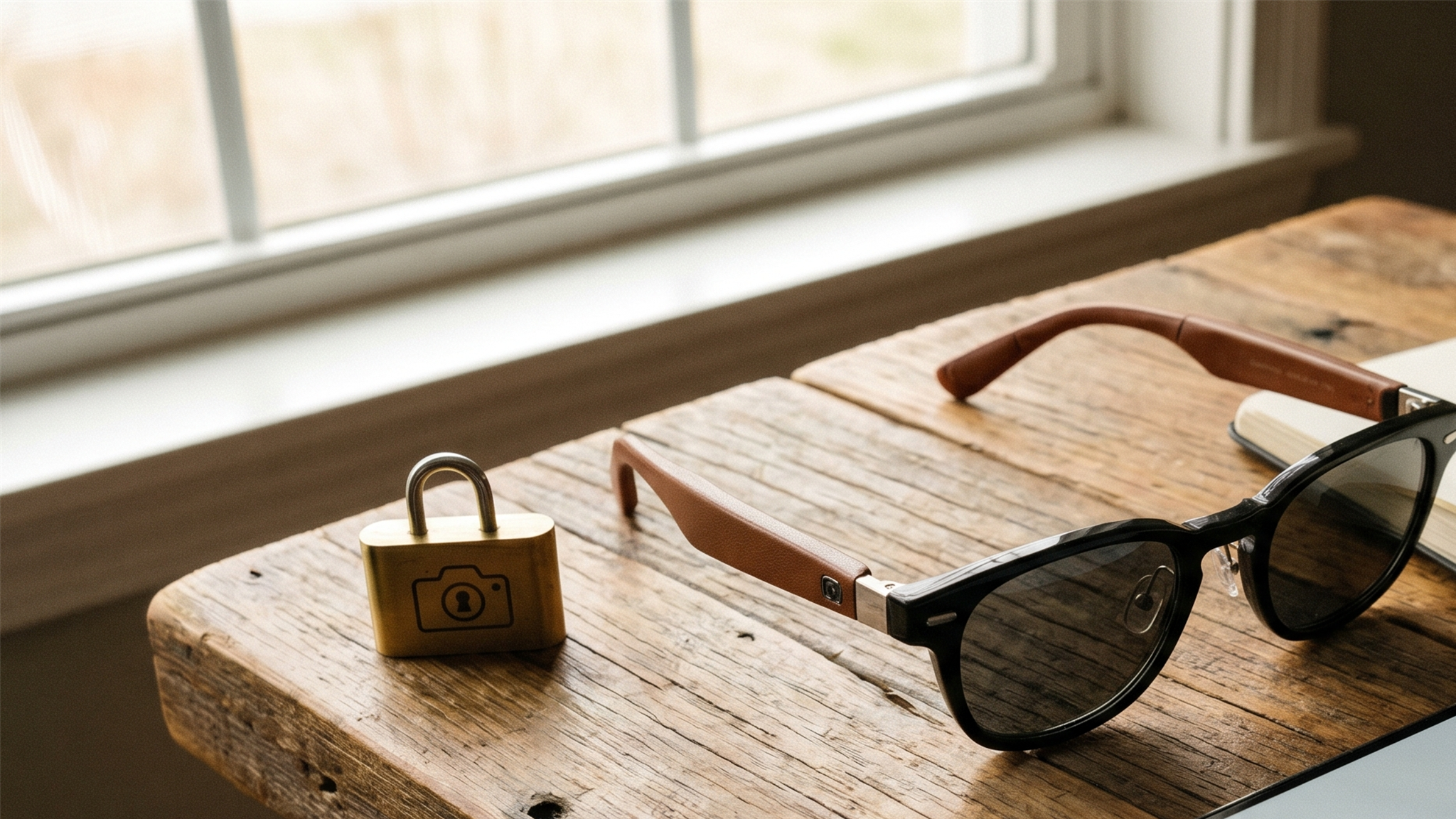
The honest answer to are smart glasses worth it 2026 is finally “sometimes.” That is progress. For years, smart glasses were either developer toys, privacy controversies, or headphones with a camera bolted on. The useful 2026 version is narrower: a pair of glasses that can take quick POV photos, record short clips, handle open-ear audio, respond to voice commands, and disappear into daily clothing better than any chest camera can. The catch is that the useful version is also account-bound, socially delicate, and not built for long recording. Smart glasses are no longer obviously silly. They are also not the local-first lifelogger many people still want. Buy them for the moments they make easier, not for the archive they do not own for you.
Why smart glasses matter now
Smart glasses crossed an important threshold: they stopped looking like gadgets first. The Ray-Ban Meta line is the obvious example. Ray-Ban’s official product page lists a 12 MP ultra-wide camera, video capture up to 3K on newer models, open-ear speakers, microphones, 32 GB of storage, and a charging case. Meta’s launch and update pages also make clear that AI assistance, social sharing, and account integration are central to the product.
That matters because daily capture is as much social design as sensor design. A GoPro on your chest is technically clear and socially loud. A tiny clip camera is physically small but ethically ambiguous. Glasses sit in the strange middle: normal-looking enough to wear, camera-equipped enough to make people uneasy, and convenient enough that the trade-off is not theoretical.
The reason smart glasses are interesting for NarrativeClip readers is not hype about augmented reality. Most buyers are not walking around with floating spreadsheets in their field of view. They want hands-free capture while cooking, traveling, parenting, cycling slowly through a city, or taking notes without holding a phone. For those jobs, the category is finally useful.
The risk is that the glasses are useful because they sit inside a cloud account. That is the same old bargain wearing better frames.
What to evaluate before buying
Use four filters before spending money.
First, evaluate capture limits. Official Ray-Ban pages describe the camera and video modes, but the product is still designed around short clips and quick photos, not continuous recording. If you want an hour-long walking video, buy an action camera. If you want a three-second memory without pulling out a phone, glasses make sense.
Second, evaluate the account dependency. Meta’s multimodal AI system card explains that, for Ray-Ban Meta AI use, captured images and spoken text can be passed to AI models. That does not make the product unusable; it makes the privacy model explicit. If you want local-only capture, this is not your category yet.
Third, evaluate bystanders. The capture LED is a meaningful improvement over early lifelogging cameras, and Meta explicitly describes it as a signal that the camera is being used. Still, an LED is not consent. It is a notice. Indoors, around children, in workplaces, and at private events, notice is not always enough.
Fourth, evaluate export and archive friction. Can you get media into your normal photo library? Can you back it up? Does the app preserve dates? Can you separate important clips from social uploads? If the answer is vague, slow down.
Official sources worth checking before purchase: Ray-Ban Meta specs and features, Meta’s Ray-Ban Meta Gen 2 update, and the Meta AI system card.
Comparison table: smart glasses versus tiny wearable camera
| Criterion | Smart glasses | Tiny clip camera |
|---|---|---|
| Social fit | Looks like eyewear | Looks like a camera if noticed |
| Recording style | Short POV clips and photos | Longer POV sessions possible |
| Mounting | Face only | Shirt, hat, pendant, magnetic mounts |
| Cloud dependence | Often account-centered | Varies; Insta360 cloud is optional |
| Battery reality | Good for mixed use, not all-day video | Better with dock or power bank |
| Best use | Daily moments, travel snapshots | Travel journaling, action, archive capture |
Affiliate disclosure: This page contains affiliate links. If you buy through them, we may earn a small commission at no extra cost to you. It never changes what we recommend. As an Amazon Associate I earn from qualifying purchases. Read more.
Smart glasses versus cameras workflow
Capture
Smart glasses win when the moment is brief and hands are busy. A child says something funny while you are carrying groceries. A street sign in another language needs translation. You want a quick travel POV without raising a phone. The glasses are already aimed where you are looking, and that is their entire advantage.
A clip camera wins when the capture session is intentional. Walking through a market for twenty minutes, chest-mounting a bike ride, recording a cooking process, or building a travel journal all benefit from stable mounting and longer capture. The Insta360 GO 3S is not as socially invisible as glasses, but it is more flexible as a camera.
Audio
Open-ear audio is the quiet killer feature of smart glasses. You can take calls, listen to directions, or use a voice assistant while keeping your ears partly open. For daily use, that may matter more than the camera. A tiny camera cannot replace earbuds. Glasses can replace earbuds for some people.
The trade-off is that audio and AI features pull the product deeper into the vendor account. If the assistant is the reason you buy, accept that you are buying a service, not just hardware.
Storage
Smart glasses should not be your archive. They should feed your archive. Import the media to a phone, then make sure the phone library is covered by your normal Storage & Backup workflow. Do not leave important clips trapped in a device app because the transfer step feels annoying.
The same rule applies to clip cameras, but clip cameras make it easier to think in files. You connect the camera, copy media, and store it. Glasses make it easier to think in posts. That difference matters over years.
A workable habit is simple: once a week, import everything from the glasses, favorite the few clips that actually matter, export or save those files into the same dated folder as your phone photos, then delete the rest from the capture app. The deletion step matters. Wearable capture gets noisy quickly, and a noisy archive becomes a second inbox. Smart glasses are at their best when they catch the handful of moments a phone would have missed, not when they create an unreviewed stream of mediocre clips.
Privacy
The privacy story is not one thing. There is bystander privacy, account privacy, AI processing privacy, and archive privacy. A visible GoPro is socially blunt but clear. Glasses are elegant and ambiguous. The capture LED helps, but the wearer still has to decide when the device belongs in the room.
For workplaces, schools, hospitals, religious spaces, and private homes, the default should be no recording unless people know and agree. For travel, follow local law and local norms. For family use, be especially careful with children and guests.
Durability
Smart glasses are not action cameras. Do not buy them for rain, saltwater, skiing, cycling footage, or chest-mount POV. For those jobs, use Compare Cameras and look at the dedicated wearable and lifelogging camera guides.
Best fit by use case
Buy smart glasses if you want quick hands-free capture in normal life, and if you already accept a Meta-centered account workflow. They fit travel days, errands, family moments, note-taking, open-ear audio, and short social clips.
Buy a tiny camera if you want actual session capture. The Insta360 GO 3S is better for travel journaling, walking footage, hands-free creator clips, and any situation where mounting flexibility beats eyewear convenience.
Use your phone if image quality matters more than hands-free capture. A modern phone is still a better camera than either category. The only reason to add glasses or a clip camera is to capture when holding a phone changes the moment.
Skip both if your main need is private journaling. Use a voice-note or text workflow instead, then only add AI memory software after deciding what can leave your device.
Privacy and backup note
The question is not whether smart glasses are creepy or useful. They are both, depending on context. The practical move is to build habits: announce recording indoors, avoid recording strangers at close range, move imported media into your normal archive, and delete junk quickly. The capture device should be temporary. The archive should be deliberate.
For a wider consent framework, read Wearable Camera Privacy. For the deeper product-shutdown lesson, read the Clip Story and subscribe to the Memory Tech Brief.
Frequently asked questions
Are smart glasses worth it in 2026?
They are worth it if you specifically want hands-free short clips, quick photos, open-ear audio, and an assistant on your face. They are not worth it if you expect all-day video, private local-only capture, or a replacement for a real camera.
Do Ray-Ban Meta glasses require a cloud account?
Yes. The glasses are managed through Meta's app and account ecosystem. Some media can be imported to your phone, but the product experience is not a local-only workflow.
Are smart glasses better than a wearable camera?
For social acceptability and quick POV capture, often yes. For longer sessions, waterproof use, flexible mounting, and cloud-independent storage, a tiny camera like the Insta360 GO 3S is usually better.
What is the privacy problem with smart glasses?
The camera is on your face, so people around you may not immediately understand when they are being recorded. Capture LEDs help, but consent and context still matter.